SERVICE & REPAIRS
Start with what you’ve noticed.
An outlet with a question behind it. A fixture you would like to change. A smaller job can still benefit from a clear description.
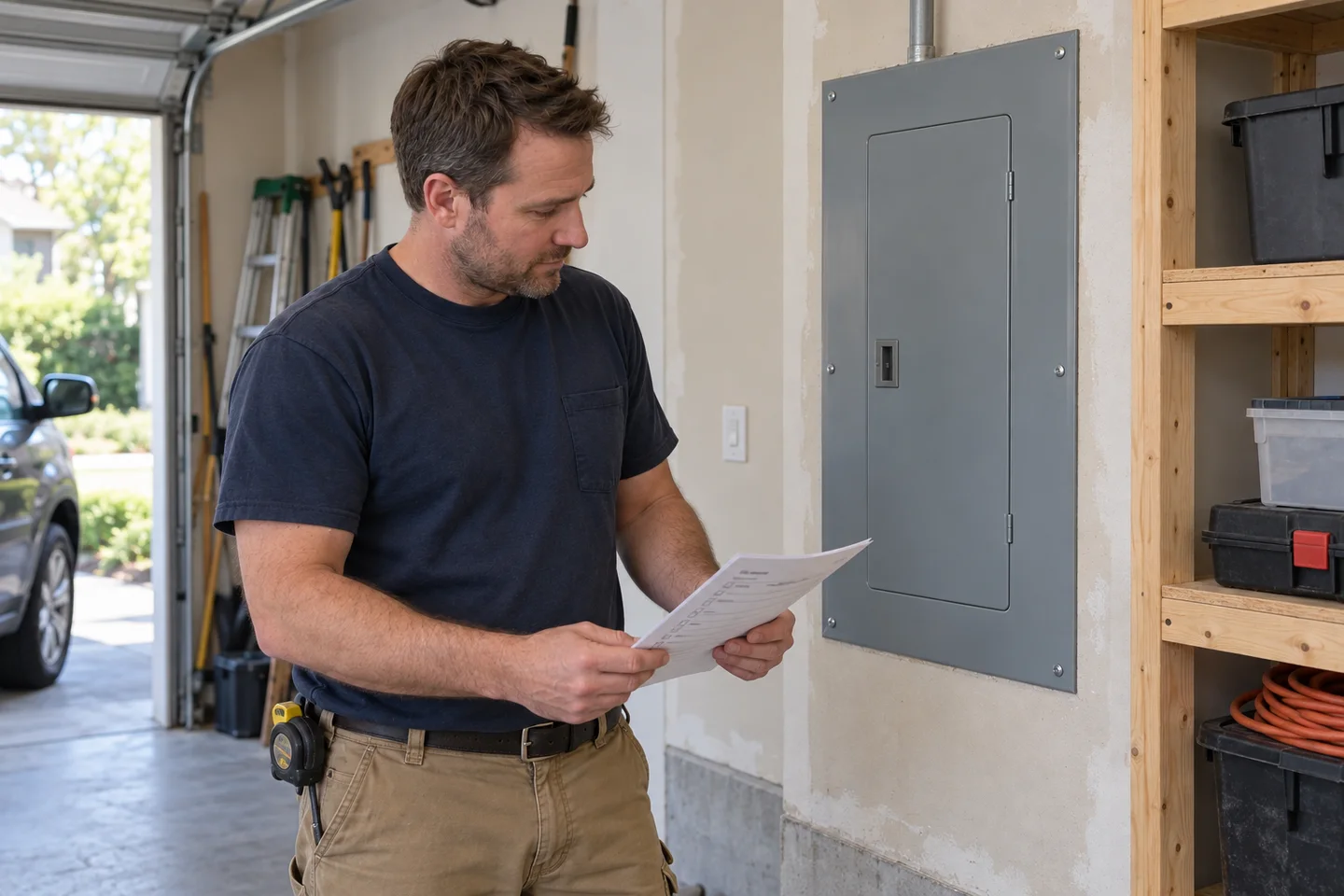
AI-generated imagery for a fictional business.
Everyday language is enough.
For the sample request, describe the part of the space involved and what prompted the question. You do not need to identify a component or decide the repair yourself.
A concern to describe
Use a fictional example to explain what someone noticed and where it happened.
A fixture or control to change
Describe the intended change and whether a replacement has been selected.
A small improvement
Explain how the space is used and what would make it more convenient.
A description starts a conversation.
In real work, an electrician would need to assess the situation before determining a cause, repair or scope. This page and sample flow do not diagnose electrical conditions or give repair instructions.
This is not a service-call channel.
Anytime Electric is fictional. The demo cannot arrange a visit or respond to an electrical problem. For actual electrical work, contact a real electrical contractor directly.
A few useful questions.
What details are useful at the beginning?
A short description of the space, what you would like to change and the stage of the project make a useful starting point. A room layout or equipment list can add context. Use invented details in this demo; a full address or private documents are unnecessary.
Will this calculate a price or tell me what work is needed?
No. The demo does not produce prices, diagnose electrical problems or define an installation scope. A real contractor would need to discuss the request and assess the relevant site conditions before proposing work.
Does finishing the sample request send a message?
No. The final action shows a demo confirmation in this page. It sends no request, email, contact details or answers, and nobody is assigned to follow up.
Explore a sample service request.
Try the questions with invented details and see the confirmation at the end. Nothing leaves the page.